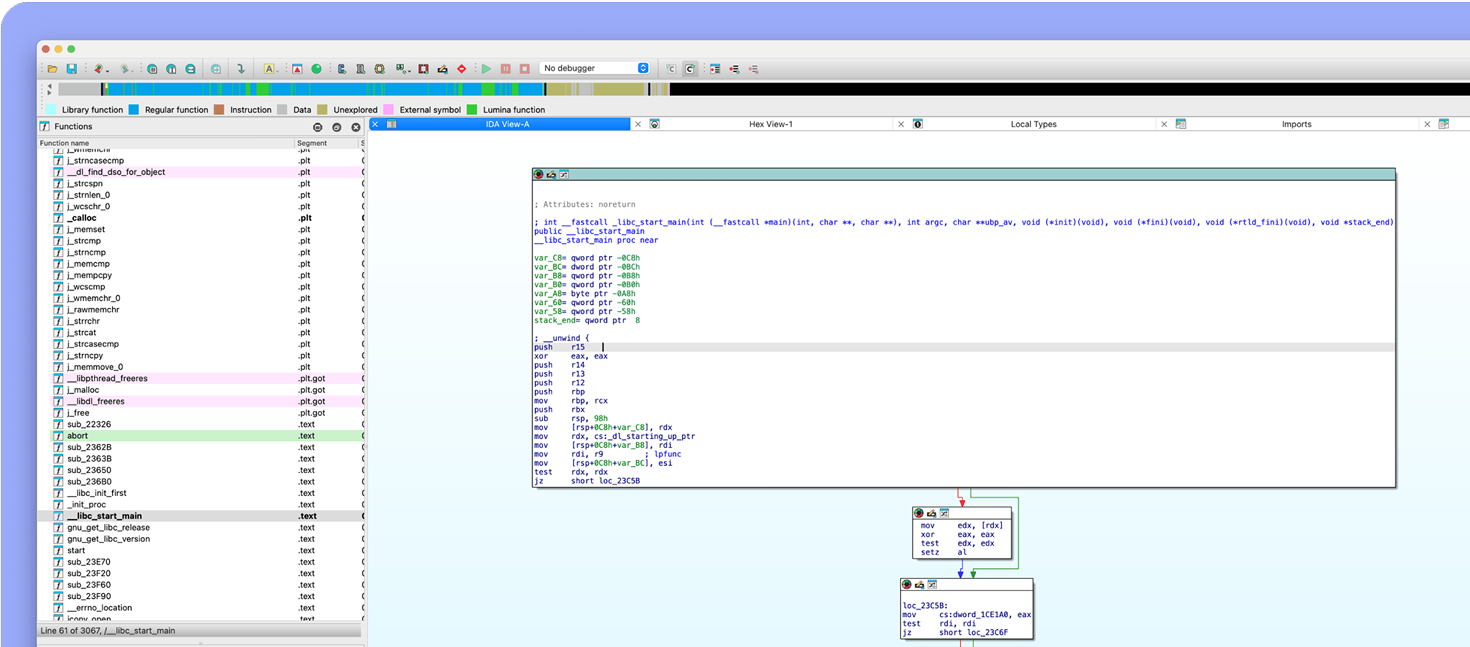
Help index | Search The current nodeThere are two concepts: the current node and the selected nodes. The node with the keyboard cursor is considered as the current node. If the user clicks on the graph background, the keyboard cursor will disappear and there will be no current node. In the absence of the current node IDA uses the last valid address for the user commands (like rename and similar commands). For example, if the user invokes the 'rename' command by pressing N and there is no current node, IDA will still display the 'rename' dialog box for the last valid address.Clicking on the node title will make the clicked node the current. The keyboard cursor will be moved to the clicked node. Any selection of the disassembly text will be cancelled upon switching the current node. The default color for the title of the current node is dark gray. In addition to the obvious method of clicking with the mouse left-button to select the current node, IDA supports many other methods: - Clicking with the mouse wheel selects the clicked node and centers the clicked point in the window - Keyboard arrows can be used to move from one node to another. When the keyboard cursor reaches the node border and the user presses the arrow once more, IDA finds a node in the specified direction and makes it the current. - The Ctrl-Up key displays the list of nodes referring to the current node and allows jumping to them. The Ctrl-Down key does the same with the referenced nodes. - Pressing '5' on the keypad positions the keyboard cursor at the window center - Left-click on an edge makes one of its ends (source or destination) the current node. The node farthest from the click point is selected - Ctrl-click on an edge jumps to its destination - Alt-click on an edge jumps to its sourceClicking with the mouse on the node text (disassembly listing) has the usual meaning: IDA will move the keyboard cursor to the clicked location. It is also possible to select the disassembly listing within one node. Back to graph view |