>Hex-Rays IDA Pro Page

Help index | Search

Command line switches

IDA is started with one of the following command lines:
        idag input-file        (Windows: start graphical interface)
        idaw input-file        (Windows: start text interface)
        idal input-file        (Linux  : start text interface)
Add the '64' postfix to the command name in order to start the 64-bit version of IDA. For example:
        idag64 input-file
we start 64-bit graphical interface.

You may specify a file mask instead of the file name.

There a special "batch" mode when IDA can be used to analyze files in unattended mode. See details below.

The following command line switches are allowed:

 -a     disable auto analysis
 -A     autonomous mode. IDA will not display dialog boxes.
        Designed to be used together with -S switch.
 -b#### loading address (hex)
 -B     batch mode. IDA will generate .IDB and .ASM files automatically
 -c     disassemble a new file (delete the old database)
 -C#    specify compiler. Compiler ids:
          v: Visual C++
          b: Borland C++
          w: Watcom C++
          g: GNU C++
          a: Visual Age C++
          d: Delphi
 -ddirective
        A configuration directive which must be processed at the first
        pass. Example:
                -dVPAGESIZE=8192
 -Ddirective
        A configuration directive which must be processed at the second
        pass.
 -f     disable FPP instructions (IBM PC only)
 -h     help screen
 -i#### program entry point (hex)
 -L#### name of the log file
 -M     disable mouse (text only)
 -O#### options to pass to plugins
 -o#### specify the output database (implies -c)
 -p#### processor type
 -P+    compress database (create zipped idb)
 -P     pack database (create unzipped idb)
 -P-    do not pack database (not recommended, see Abort command)
 -r###  immediately run the built-in debugger
        format of this switch is explained here
 -R     load MS Windows exe file resources
 -S###  execute IDC file. Note that IDA always executes IDA.IDC
        file if it exists.
 -T###  interpret the input file as the specified file type
        The file type is specified as a prefix of a file type
        visible in the 'load file' dialog box
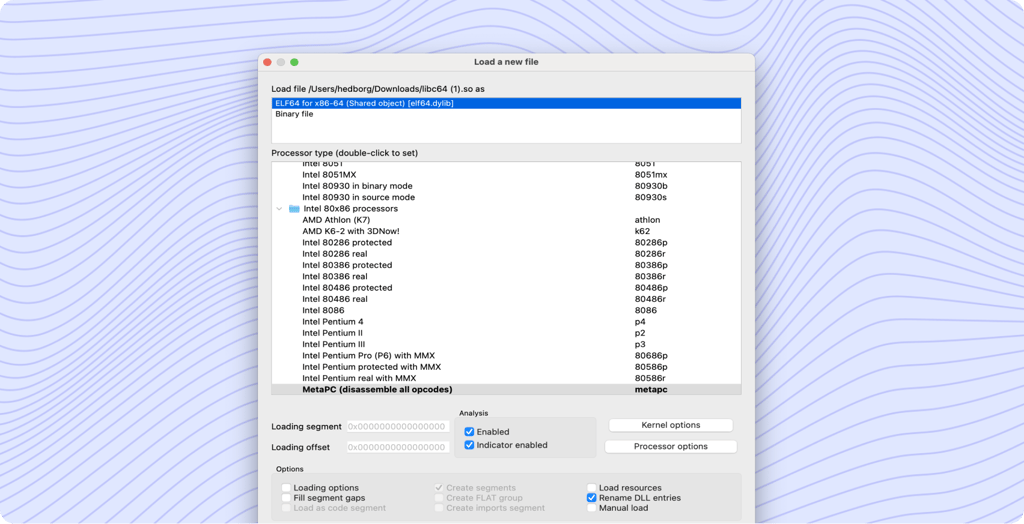
        IDA does not display the 'load file' dialog in this case
 -W###  specify MS Windows directory
 -x     do not create segmentation
        (used in pair with Dump database command)
        this switch affects EXE and COM format files only.
 -z     debug:
                00000001 drefs
                00000002 offsets
                00000004 flirt
                00000008 idp module
                00000010 ldr module
                00000020 plugin module
                00000040 ids files
                00000080 config file
                00000100 check heap consistency
                00000200 checkarg
                00000400 demangler
                00000800 queue
                00001000 rollback
                00002000 already data or code
                00004000 type system
                00008000 show all notifications
                00010000 debugger
 -?     this screen (works for the text version)
 ?      this screen (works for the text version)

For batch mode IDA must be invoked with the following command line:
        idag -B input-file
which is equivalent to
        idag -c -A -Sanalysis.idc input-file
Some users prefer the text interface (idaw.exe) for batch mode. Please note that plugins are not loaded in batch mode because the analysis.idc file quits and the kernel has no chance to load them.

For more information please see the analysis.idc file in the IDC subdirectory.

Index | Previous topic | Next topic